
Event sponsorship proposal template
Or try it the way your customer would: the live demo opens at full width in its own tab.
Edit your flow from Claude, ChatGPT or Grok · MCP


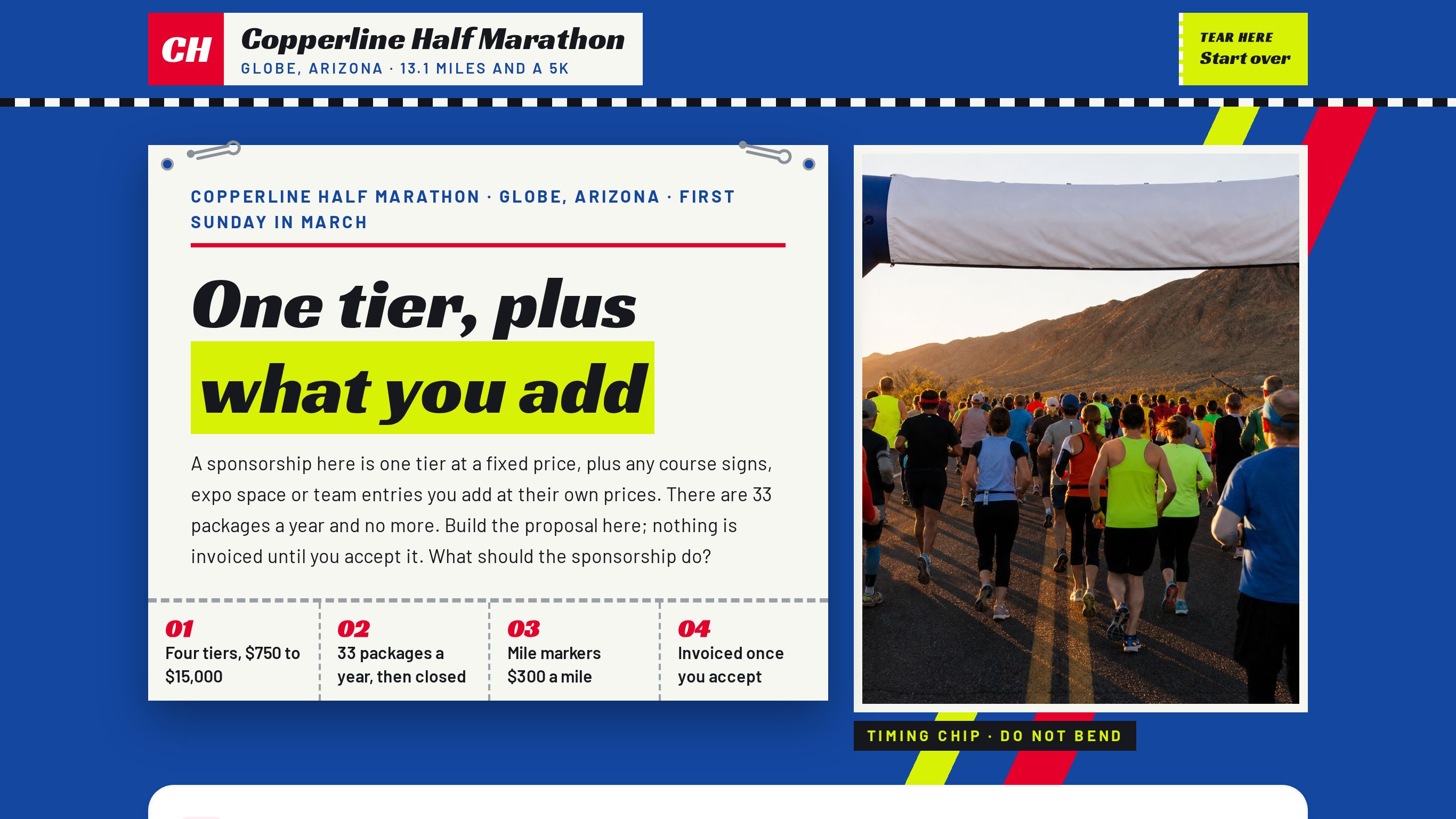
An event sponsorship proposal form: one fixed-price tier, course signs by the mile, team entries by the runner, and an invoice only after both sides sign.
Shown as Copperline Half Marathon, a sample business. The flow, the pricing logic and the quote it returns are the template; the name, the services and the prices are the sample's, and yours take their place.
3 customer paths · 9 steps · 14 priced items in 4 categories · itemized quote on the page — counted from the template itself.
 9:34
9:34Watch how this template wins sales
How conference, expo and gala organizers answer every request with a real price, day or night, and get the work after it done by talking. One sale followed from the first tap to paid.
Who this template is for.
Races, festivals, tournaments and nonprofit events that sell a limited number of sponsor tiers plus priced add-ons such as signs, expo booths and team entries. The sponsor builds an itemized proposal; the organizer approves it and invoices once the sponsor accepts. A sponsor's team gets one link, and each runner registers themselves.
Events that only sell tickets or exhibitor booth space, with no sponsor tiers.
More on how Everybooking works for this industry: Event Venues.
What your customer goes through.
The first screen asks what they are booking. Each answer sets the path, and every path ends on a priced quote.
Put our name on the race
A tier, then signs on the course and space at the expo.
Then: The Tier
Get our people running
A tier with entries inside, then more runners at the team rate.
Then: The Tier → Team Entries
Just one sign or a booth
Skip the tiers; take a mile marker, a water station or an expo booth on its own.
- 01On The Course
- 02Expo And Swag
- 03How Accepting Works
- 04Your Details
- 05Your Proposal
- 06Proposal ready
Along the way it asks for runners (4–60), markers (1–13), so the lines priced per person, per hour or per mile can be multiplied out before the customer reaches the quote.
What it prices.
Sample prices from the demo, in US dollars. Your own rates, taxes and rules replace them the moment you launch.
Sponsor Tiers
- Copperline community sponsor$750
- Copperline silver sponsor$2,500
- Copperline gold sponsor$6,000
- Copperline presenting sponsor$15,000
Team Entries
- Copperline team entry, 5K, per runner$40
- Copperline team entry, half marathon, per runner$95
- Copperline team tent at the finish$350
Course Activations
- Copperline mile marker sign, per mile$300
- Copperline water station naming$900
- Copperline finisher photo logo$1,800
- Copperline finish arch banner$2,500
Expo And Swag
- Copperline race bag insert$250
- Copperline packet pickup expo booth$450
- Copperline medal ribbon logo$3,000
How it closes.
Name, email and phone before the quote
The request is tied to a real person before the total is shown, so the follow-up has somewhere to go.
An itemized quote, on the page
Every chosen line, multiplied out, with the total. The customer sees it before they leave.
Final screen: “Proposal ready”
The sample's closing screen. Its wording, like every other line here, is the sample's; yours replaces it.
Change your booking flow by asking your AI.
Everybooking runs its own MCP server. Connect Claude, ChatGPT or Grok to your Everybooking account, then describe the change in plain English. Your AI edits your booking flow: its questions and steps, its prices and deposit, its colors.
Requests like these, on a flow like this one
- Prices
“Add our three most-booked services with their prices.”
- Questions
“Add a question after ‘On The Course’ asking how they heard about us.”
- Look
“Match the colors and logo to our website.”
MCP access comes with both of our offers. The owner or an admin approves the connection and chooses Look only or Full access; edits need Full access. How to connect your AI.
About the event sponsorships template.
- Can I change a booking flow like this with Claude or ChatGPT through MCP?
- Yes. Everybooking runs its own MCP server. Once your booking flow is live, connect Claude, ChatGPT or Grok to your Everybooking account. The owner or an admin approves the connection and chooses Look only or Full access; with Full access, ask for changes in plain English: add or remove a question, change a price or the deposit, or match your colors. Your AI makes the edit in your account. MCP access comes with both of our offers: when we build your booking flow for you, you can edit that flow through it, and a full setup connects your AI to the whole system.
Related templates.
See it working for conference, expo and gala organizers.
The 10-minute video: one sale followed from the first tap to paid, and the work after it done by talking.
Watch the video (9:34)Already watched it?