
Commercial epoxy flooring estimate template
Or try it the way your customer would: the live demo opens at full width in its own tab.
Edit your flow from Claude, ChatGPT or Grok · MCP


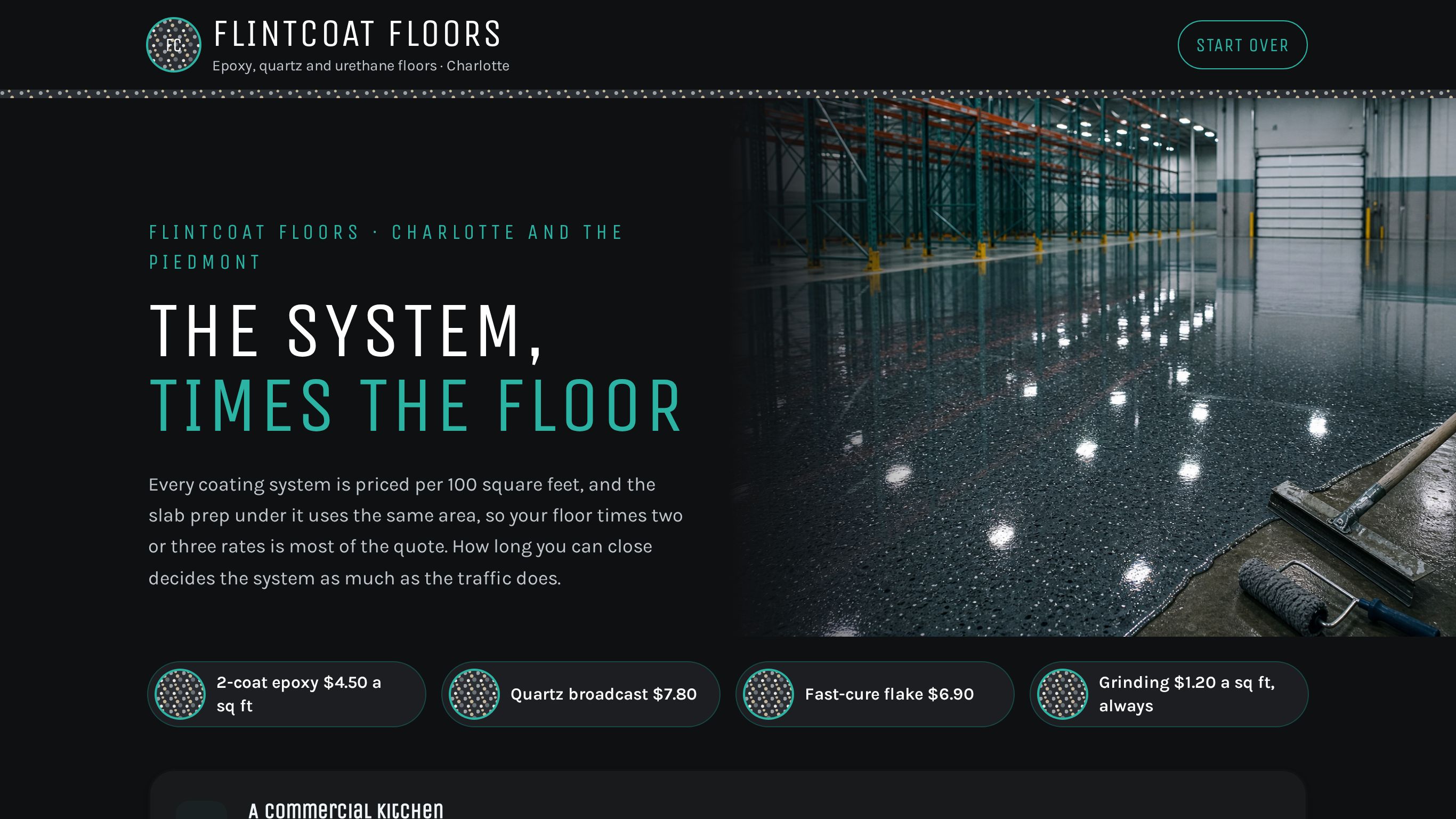
An epoxy flooring estimate that prices the coating system per 100 sq ft, slab prep on the same area and cracks per 100 ft, with kitchen and plant lanes.
Shown as Flintcoat Floors, a sample business. The flow, the pricing logic and the quote it returns are the template; the name, the services and the prices are the sample's, and yours take their place.
3 customer paths · 13 steps · 12 priced items in 5 categories · itemized quote on the page · appointment booking built in — counted from the template itself.
 9:28
9:28Watch how this template wins jobs
How commercial contractors answer every request with a real price, day or night, and get the work after it done by talking. One job followed from the first tap to paid.
Who this template is for.
Resin flooring contractors that price plants, kitchens and showrooms by area and system, and want owners to see grinding, removal, vapor barrier, cove base or safety lines priced before the moisture test.
Residential carpet, tile or hardwood installers.
What your customer goes through.
The first screen asks what they are booking. Each answer sets the path, and every path ends on a priced quote.
A commercial kitchen
Hot water, grease and drains: urethane cement and cove base.
Then: Kitchen Details
A warehouse or plant
Forklifts and carts, aisles and walkways to mark.
Then: Safety Lines
A showroom, shop or garage
Looks matter and you cannot close for long.
- 01Floor Area
- 02Coating System
- 03Slab Prep
- 04Downtime
- 05How A Floor Goes Down
- 06Your Details
- 07Your Floor, Priced
- 08Pick A Time For The Walkthrough
- 09Your Estimate Is Ready
Along the way it asks for the date, x 100 sq ft (2–1000), x 100 ft (0–100), x 10 ft (0–100), drains (0–40), so the lines priced per person, per hour or per mile can be multiplied out before the customer reaches the quote.
What it prices.
Sample prices from the demo, in US dollars. Your own rates, taxes and rules replace them the moment you launch.
Coating Systems
- Flintcoat 2-coat epoxy, per 100 sq ft$450
- Flintcoat fast-cure polyaspartic flake, per 100 sq ft$690
- Flintcoat broadcast quartz epoxy, per 100 sq ft$780
- Flintcoat urethane cement, 1/4 inch, per 100 sq ft$1,150
Substrate Prep
- Flintcoat diamond grind and vacuum, per 100 sq ft$120
- Flintcoat old coating removal, per 100 sq ft$210
- Flintcoat moisture vapor barrier primer, per 100 sq ft$260
- Flintcoat crack and joint repair, per 100 linear ft$340
Kitchen Details
- Flintcoat floor drain collar, each$160
- Flintcoat 6-inch cove base, per 10 linear ft$180
Safety Lines
- Flintcoat 4-inch safety line, per 100 linear ft$260
Downtime
- Flintcoat weekend and night installation$1,400
How it closes.
Name, email and phone before the quote
The request is tied to a real person before the total is shown, so the follow-up has somewhere to go.
An itemized quote, on the page
Every chosen line, multiplied out, with the total. The customer sees it before they leave.
Pick a day and a time
The customer can pick a time for a visit or a call instead of finishing on the spot.
Final screen: “Your Estimate Is Ready”
The sample's closing screen. Its wording, like every other line here, is the sample's; yours replaces it.
Change your booking flow by asking your AI.
Everybooking runs its own MCP server. Connect Claude, ChatGPT or Grok to your Everybooking account, then describe the change in plain English. Your AI edits your booking flow: its questions and steps, its prices and deposit, its colors.
Requests like these, on a flow like this one
- Prices
“Add our three most-booked services with their prices.”
- Questions
“Add a question after ‘Floor Area’ asking how they heard about us.”
- Look
“Match the colors and logo to our website.”
MCP access comes with both of our offers. The owner or an admin approves the connection and chooses Look only or Full access; edits need Full access. How to connect your AI.
About the flooring contractors template.
- Can I change a booking flow like this with Claude or ChatGPT through MCP?
- Yes. Everybooking runs its own MCP server. Once your booking flow is live, connect Claude, ChatGPT or Grok to your Everybooking account. The owner or an admin approves the connection and chooses Look only or Full access; with Full access, ask for changes in plain English: add or remove a question, change a price or the deposit, or match your colors. Your AI makes the edit in your account. MCP access comes with both of our offers: when we build your booking flow for you, you can edit that flow through it, and a full setup connects your AI to the whole system.
Related templates.
See it working for commercial contractors.
The 9-minute video: one job followed from the first tap to paid, and the work after it done by talking.
Watch the video (9:28)Already watched it?